

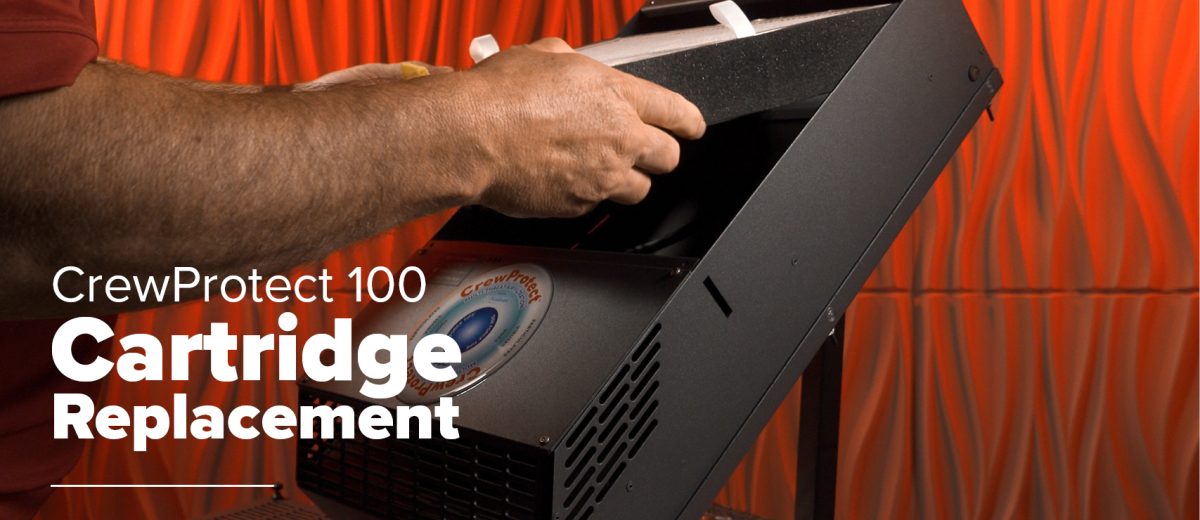
How do You Change the CrewProtect 100 Cartridge
How do I Replace my CrewProtect 100 Cartridge?
Replacing the filter cartridge in your CrewProtect 100 ensures your air purification system continues to remove harmful contaminants from the cab environment. Here’s a step-by-step walkthrough.
What You’ll Need:
- New cartridge (labeled “this side up”)
- Clean cloth (optional, for fan blade wipe-down)
Step-by-Step Instructions
- Turn Off the Unit (if it’s on)
- Loosen the Four Thumb Screws
- Rotate counterclockwise to release the grille.
- Remove the Grille
- Lift Out the Old Cartridge
- Use the built-in tabs to pull upward.
- Wipe the Fan Blades
- Gently clean any dust or buildup.
- Install the New Cartridge
- Ensure “this side up” is visible and upright.
- Reattach the Grille
- Tighten the Thumb Screws
- Power On the Unit
- All three lights should flash, then a solid blue light indicates successful operation.
- Dispose of the Old Cartridge
- It can be safely thrown in the regular trash.
Helpful Tips
- No special disposal is required for used cartridges.
- A blue light on startup confirms proper RFID detection and filter status.
- If no light appears, double-check cartridge orientation.
Maintenance Reminders
It’s a good idea to lightly clean the fan blades during each cartridge change to help the unit run efficiently over time.