

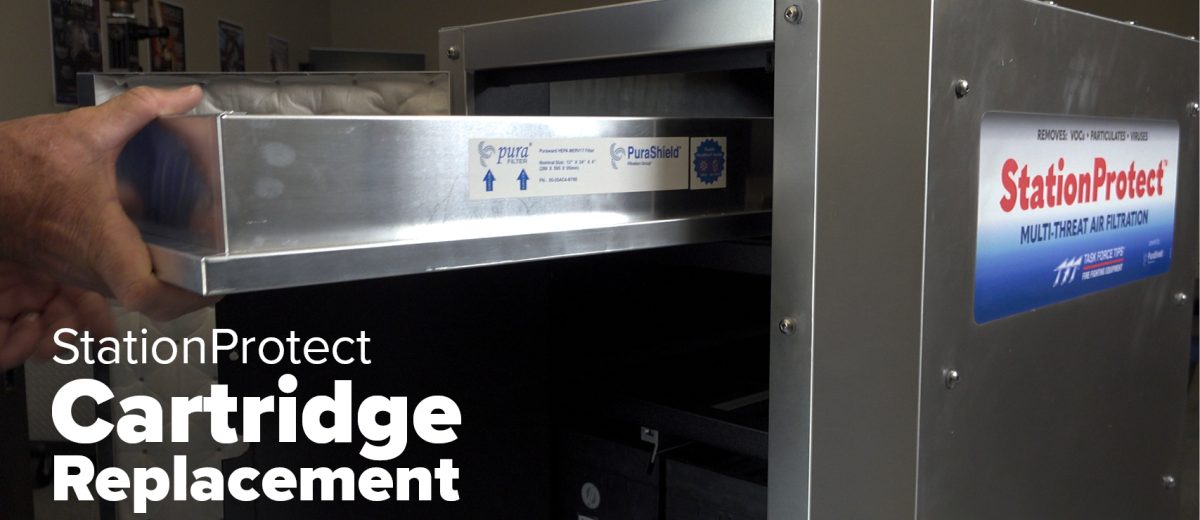
How to Install the StationProtect Cartridge System
How do I Replace my StationProtect Cartridge?
Replacing the filters in your StationProtect unit is essential to maintaining clean air and proper function. This includes the pre-filter, HEPA filter, and four molecular filtration modules. Follow this guide to complete the replacement safely and correctly.
Filters You’ll Be Replacing
- Pre-Filter (bottom panel)
- 4x Molecular Filtration Modules
- HEPA Filter (blue filter)
Step-by-Step Instructions
1. Replace the Pre-Filter
- Locate the bottom panel of the unit.
- Remove the used pre-filter by pulling it out from underneath.
- Slide the new filter in place, ensuring the arrow faces upward.
2. Remove the Front Top Panel
- You only need to remove the top section of the front panel.
- Leave the bottom panel in place.
3. Replace Molecular Filtration Modules
- There are four total.
- Slide each one out and discard.
- Insert each new molecular filtration module into the same slots.
4. Replace the HEPA Filter
- Locate and remove the blue HEPA filter.
- Slide the new HEPA filter into place.
5. Reassemble the Unit
- Reattach the top front panel securely.
- Close the main door of the unit completely.
⚠️ Note: The StationProtect will not operate if the door is left ajar. Always ensure it’s sealed shut after maintenance.